Copy. Translate. Keep going.
Translate copied, selected or manually entered text across 50 languages without repeatedly switching between apps.
 PunchLingoGet PunchLingo
AI TRANSLATOR FOR WINDOWS
Translate across 50 languages. Turn images into text. Write with clarity — all from one compact desktop app.
Microsoft Store · One-time purchase after trial
Your Gemini API key is required. Google API usage and any charges are separate from the app purchase.
BUILT AROUND YOUR WORKFLOW
For emails, study notes, documents and the words you encounter every day.
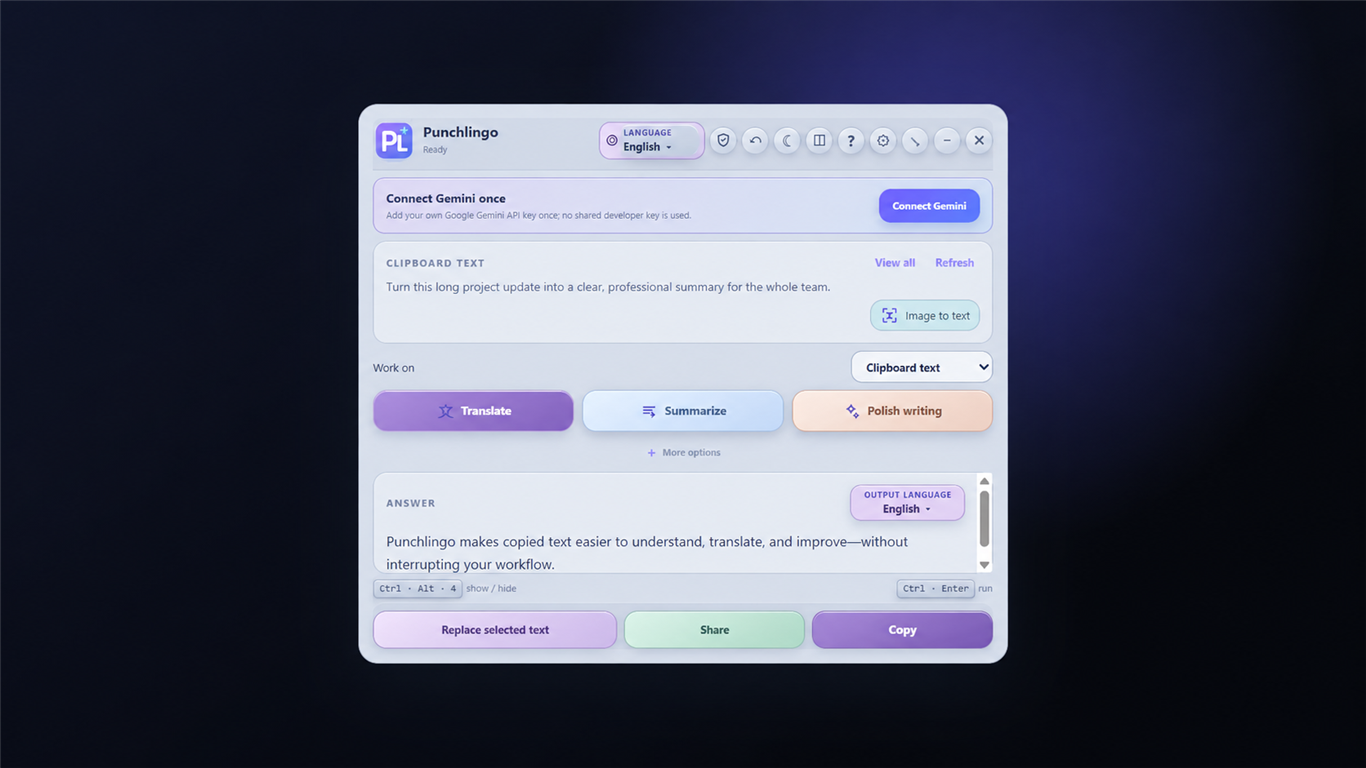
Translate copied, selected or manually entered text across 50 languages without repeatedly switching between apps.
Extract text from photos, screenshots and PDF files using OCR. Translate, copy or improve the extracted text.
Summarize long content, rewrite sentences, correct your writing and adjust tone or length with AI.
Create custom AI actions, customize keyboard shortcuts and keep PunchLingo close in compact mini mode.
SMALL WINDOW. BIG DIFFERENCE.
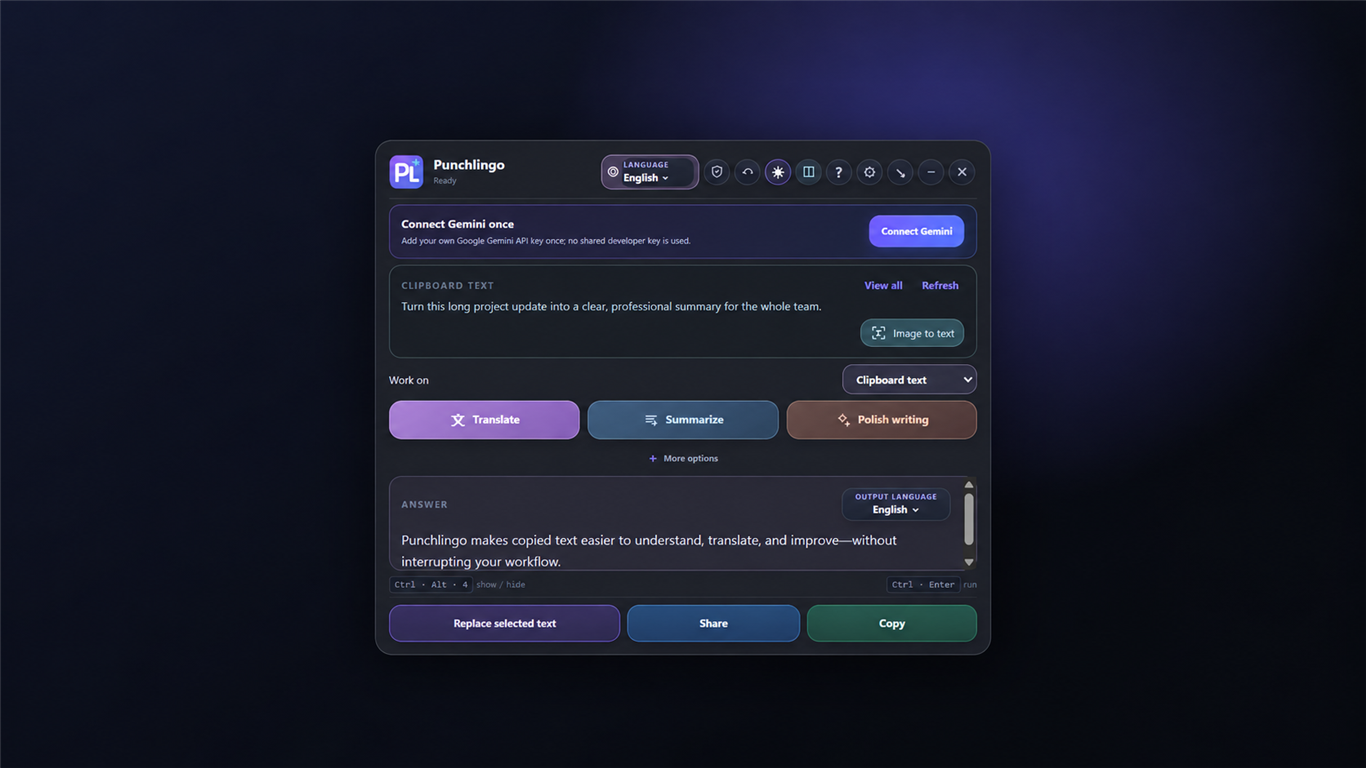
Choose light, dark or transparent appearance. Keep useful translations in local history, or use Private Mode to stop saving new entries.
Understand how your data is handled ↗AI requests go directly to Google Gemini. Private Mode does not prevent requests you choose to send.
GETTING STARTED
Start your 7-day free trial on Windows.
Follow the guided setup with your own key. Google manages API availability, limits and any charges.
Translate, extract text or improve your writing from your desktop.
READY WHEN YOU ARE
Try all the tools for 7 days. Continue with a one-time purchase after your trial.